
The Ultimate Battery Survival Guide: Maximize Your Battery Life Throughout the Day
You open your laptop for the exam you’ve studied for all week… battery at 20%. You check Maps for directions to your dinner plans… battery at 10%. You pull out your phone to film the Aggies scoring the game-winning touchdown… battery dead.
We’ve all experienced devices running low at the worst moments. While technology has become more cutting-edge and seamless, these advancements often lead to quicker battery drain.
Here are five ways to proactively protect your iPhone’s® battery and ensure your phone lasts until the end of the day.
1. Dim Your Brightness
Bright displays can not only cause eye strain but significantly drain your battery. To extend battery life, use dark mode, adjust timeout settings, enable auto-brightness, or lower the brightness to the lowest comfortable level.
2. Close Running Apps
Exiting an app without closing it means it continues running in the background, consuming battery. Close apps by swiping up from the bottom of your home screen and dismissing their previews. Now, watch as your battery lasts a bit longer than it usually does.
3. Avoid Stressing Your Battery
Charging from 0% to 100% can wear out your battery over time. Ideally, charge your phone between 20%-80%. Luckily, iPhone® features Optimized Battery Charging, which learns your habits and delays charging past 80%, prolonging battery life.
Just go to…
Settings > Battery > Battery Health & Charging > Charging Optimization
4. Turn Off Push Notifications
While push notifications can be helpful, they constantly check for updates, draining your battery. Adjust your notification settings to allow push notifications only for essential apps like iMessage and Mail to enhance battery longevity.
5. Use Low Power Mode
Low Power Mode is a lifesaver for optimizing battery when you need it most. However, you don’t have to wait for a crisis to enable it!
Activate it by going to:
Settings > Battery > Low Power Mode
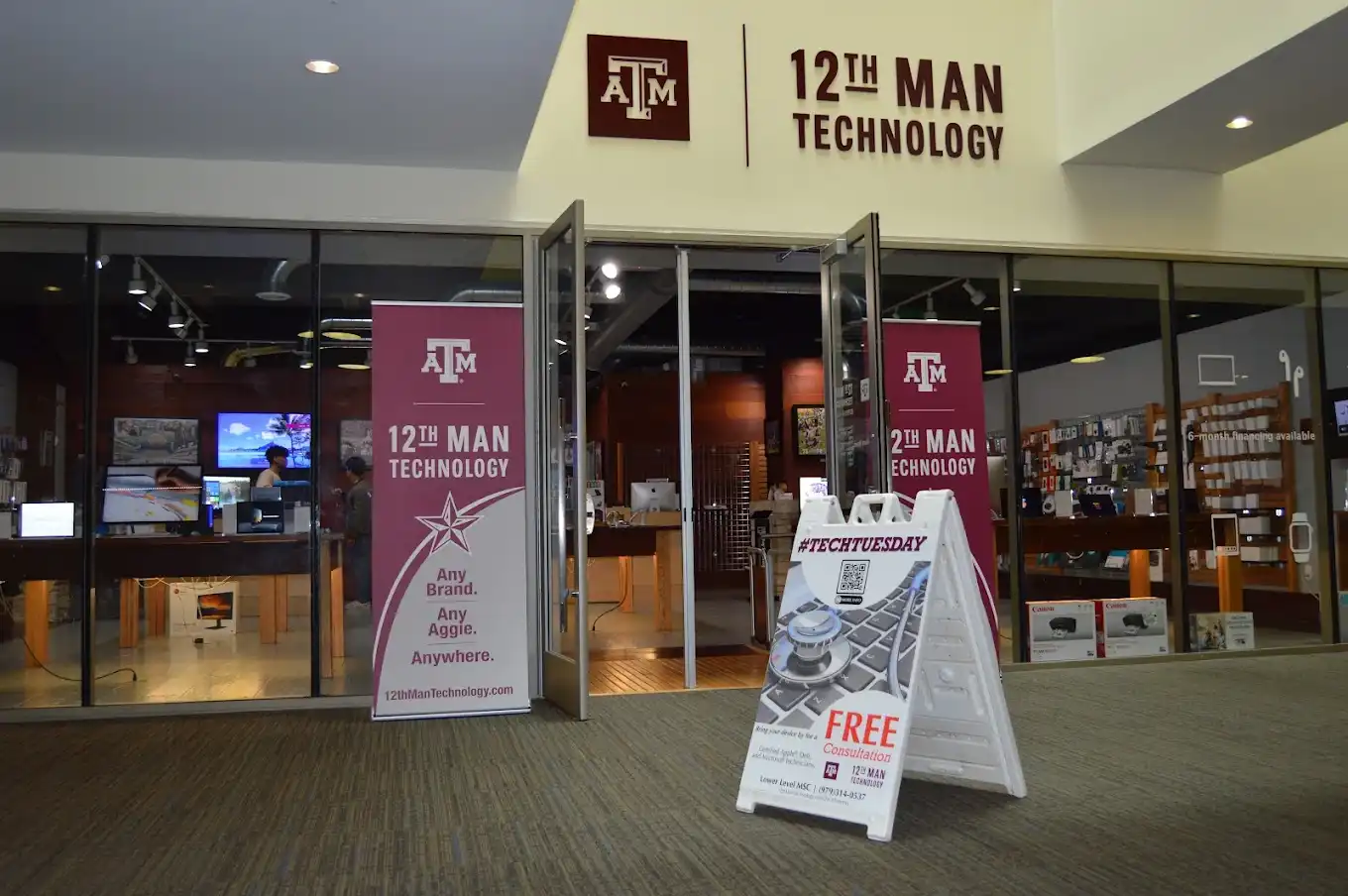
There you have it, five tips to help extend your battery life. However, if your iPhone® battery drains unusually fast or you are experiencing other issues, 12th Man Technology is here to help! Our Apple-certified technicians will get your battery back in shape!
12th Man Technology– 275 Joe Routt Blvd, LL 201, College Station
Service Center – 4121 State Hwy 6 South, College Station, TX 77845
contactus@12thmantechnology.com
(979) 316-9939