
TL;DR
- Most MacBooks that won't turn on need a proper charge, a different charger, a forced restart, or a power reset.
- If the screen is black but you hear fans or see the keyboard light, the Mac is on and the problem is the display or startup.
- No response after all 7 fixes usually means a battery, logic board, or liquid damage issue.
- 12th Man Technology, an Apple Authorized Service Provider, diagnoses MacBooks at the MSC Lower Level and the Highway 6 Service Center in College Station.
If your MacBook won't turn on, the cause is usually power, a frozen system, or a startup problem you can fix in minutes. Work through the 7 fixes below before you pay for MacBook repair. If nothing works, it is likely hardware, and an Apple Authorized technician near Texas A&M can find the fault fast.
Why won't my MacBook turn on?
A MacBook usually won't turn on because the battery is fully drained, the charger has failed, macOS has frozen, or a hardware part such as the logic board has stopped working. Midterm season makes it worse. Long study nights, overnight charging, and a backpack full of drinks are hard on any laptop. The good news is that most no-power problems have a simple cause, so start with power and work toward the hardware.
How do I know if it's the charger or the MacBook?
If your MacBook turns on with a different working charger, the original charger or cable is the problem, not the Mac.
Fix 1: Give it a real charge
Plug the MacBook into a wall outlet, not a power strip, and leave it for at least 30 minutes. A fully drained battery can take several minutes before the Mac shows any sign of life. On MagSafe models, the connector light glows amber while charging and green when full.
Fix 2: Swap the charger, cable, and outlet
Try a different outlet first, then a different cable, then a different adapter with enough wattage for your model. Borrow one from a roommate if you can. Check the port for lint, since a packed port can block the connection. If your MacBook won't charge with any known-good charger, the problem is inside the Mac.
How do I force restart a MacBook?
To force restart a MacBook, press and hold the power button, or Touch ID on newer models, for about 10 seconds, then release it and press it once normally.
Fix 3: Hold the power button for 10 seconds
A Mac can freeze with the screen off, which looks exactly like a dead laptop. Holding the power button forces a full shutdown. Wait a few seconds, then press it once to start up. This is the first step in Apple's own guide, If your Mac doesn't turn on, and it revives more "dead" MacBooks than any other fix.
Fix 4: Unplug every accessory
Disconnect hubs, docks, external drives, displays, and phones. A faulty accessory or cable can stop a Mac from starting. Then repeat Fix 3 with only the charger connected.
How do I reset the SMC or power on an Intel vs. Apple silicon Mac?
Intel MacBooks reset the System Management Controller (SMC) with a key combination, while Apple silicon MacBooks have no SMC and only need a full shutdown and restart.
Fix 5: Reset power management for your Mac type
On an Apple silicon MacBook (M1 or later), shut it down, wait 30 seconds, and press the power button. This resets the same power functions the SMC handled on older models.
On an Intel MacBook with the T2 chip (most 2018 to 2020 models), shut it down. Press and hold Control and Option on the left side and Shift on the right side for 7 seconds. Keep holding them, press and hold the power button for 7 more seconds, then release everything and turn it on. Older Intel models use a slightly different combination, which Apple lists in the guide linked above.
Not sure which you have? Most MacBooks bought new since 2021 use Apple silicon.
What if the screen is black but the MacBook is on?
If you hear the fans, see the keyboard backlight, or hear a startup sound, your MacBook is on and the problem is the display or the startup process, not power.
Fix 6: Rule out the display
Press the brightness up key several times, since a brightness of zero looks like a dead screen. Then connect an external monitor or TV. If an image appears there, the MacBook works and the built-in display or its cable needs service.
Fix 7: Start up in macOS Recovery
On Apple silicon, press and hold the power button until "Loading startup options" appears. On Intel, turn the Mac on and immediately hold Command and R. From Recovery you can run Disk Utility, reinstall macOS, or copy files off before a repair.
When is it a hardware problem I can't fix myself?
If your MacBook still shows no sign of life after all 7 fixes, it is almost always a hardware fault such as a failed battery, charging circuit, logic board, or liquid damage.
| Symptom | Likely cause | DIY fix to try | Needs a technician? |
|---|---|---|---|
| No lights, no sound, no fans | Drained battery, failed charger, or logic board | Fixes 1, 2, 3, 5 | Yes, if still dead after 30 minutes on a known-good charger |
| Fans or startup sound, black screen | Brightness, display, or display cable | Fixes 6 and 7 | Yes, if an external monitor works but the built-in screen does not |
| Charging light only, will not start | Battery, power management, or startup disk | Fixes 3, 5, 7 | Yes, if macOS Recovery will not load |
| Liquid exposure | Corrosion on the logic board | Power off and unplug; do not charge | Yes, right away |
| Turns on, then shuts off | Battery or thermal fault | Fix 5 | Yes, if it keeps happening |
Never dry a wet MacBook with a hair dryer or a bag of rice. Shut it down, unplug it, and bring it in, because corrosion gets worse every hour. When you choose where to repair, confirm the shop on Apple's repair provider verification page. An Apple Authorized Service Provider uses Apple-trained technicians and genuine Apple parts, and its repairs are backed by Apple.
Where can Aggies get a MacBook diagnosed fast?
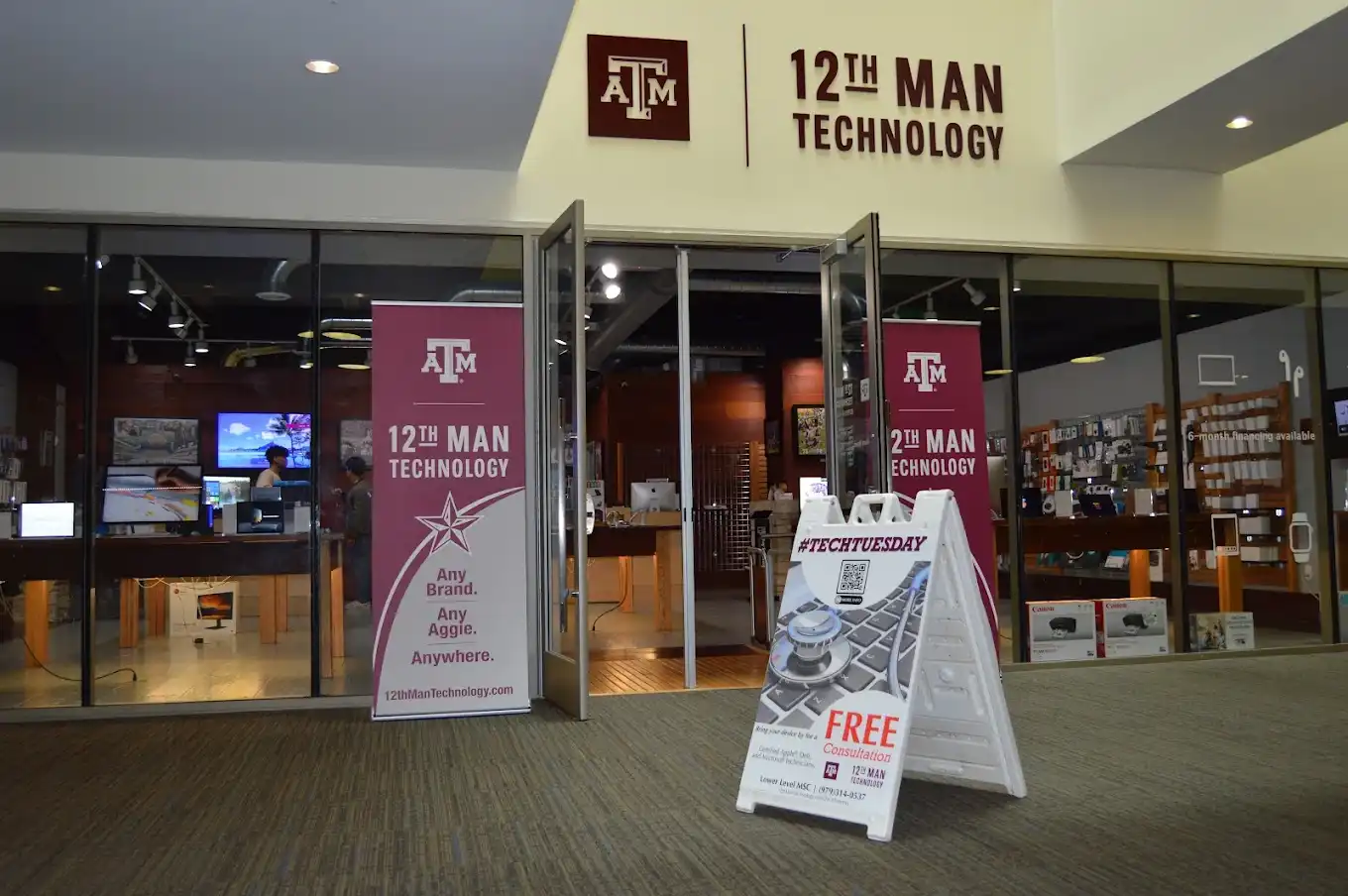
Texas A&M students, faculty, and staff can get a MacBook diagnosed at 12th Man Technology, the Apple Authorized campus store in the Lower Level of the Memorial Student Center, or at the 12th Man Technology Service Center at 4121 State Hwy 6 South, Suite 212.
Our certified technicians handle in-warranty and out-of-warranty Apple repairs, plus Dell, Lenovo, and Microsoft Surface. If your MacBook dies between classes, the MSC location is a short walk from anywhere on main campus.
Is there a fee to diagnose a MacBook that won't turn on?
Diagnostic pricing depends on the device and whether it is covered by warranty or AppleCare+. We can't give pricing or a timeframe for a repair until the diagnostic is complete.
Will I lose my data if the logic board has failed?
Not always, but it is possible. On newer MacBooks, storage is built into the logic board and encrypted, so a failed board can make files hard or impossible to recover. Our data backup and recovery services can help save what is recoverable and set up backups so a future failure does not cost you a semester of work.
Can I get a loaner while my Mac is diagnosed?
Yes. Laptop loaners are free to students checking in a device purchased from 12th Man Technology, and your repair is prioritized at check-in. Laptop loaners can be rented during repair for those who don't qualify for free. All are subject to availability, Terms apply. See all the benefits for current students.
How long does a no-power diagnosis take?
It depends on the cause and whether parts are needed. A charger or battery issue is usually quicker to confirm than a logic board fault, and repairs can take longer during busy periods like the start of a semester. We can't give a timeframe until the diagnostic is complete.
Get your MacBook back before your next exam
Tried all 7 fixes and still nothing? Don't risk your midterms on a dead laptop. Bring your MacBook to 12th Man Technology for an Apple Authorized diagnosis on campus at the MSC or at our Highway 6 Service Center. No appointment needed: walk in any time during business hours. Questions? Text (979) 314-0537 for the fastest reply, or contact our team.
Frequently asked questions
Why is my MacBook not turning on even when charging?
The usual causes are a failed charger, cable, or port, a fully drained battery that needs more time, or a frozen system. Charge for 30 minutes with a known-good charger, then hold the power button for 10 seconds. If nothing changes, the charging circuit or logic board may need service.
Can a MacBook battery be so dead it won't turn on?
Yes. A fully drained battery can take several minutes on the charger before the MacBook responds. An older battery that no longer holds a charge may need replacing.
Does resetting the SMC delete my files?
No. An SMC reset only affects power and hardware settings. Your files, apps, and accounts stay untouched.
How do I know if my MacBook has liquid damage?
Sticky keys, a keyboard that types on its own, a sudden shutdown after a spill, or a sweet or musty smell are common signs. Power it off and bring it in right away, and don't keep charging it.
Is it worth repairing a MacBook that won't turn on?
Often yes, especially if it is under warranty or AppleCare+, or if the fix is a battery or charger. A technician can tell you whether a logic board repair makes sense for your model's age.
Will an Apple Authorized repair void my warranty?
No. Apple Authorized Service Providers use genuine Apple parts and Apple-trained technicians, and their repairs are backed by Apple.
Have another question? Visit our full FAQ page.